 Tachiyomi
Reader settings
This section relates to the reading experience in the app and navigating the reader.
Options
Default reading mode Paged (right to left)
This setting sets the reader's default direction when you open a series.
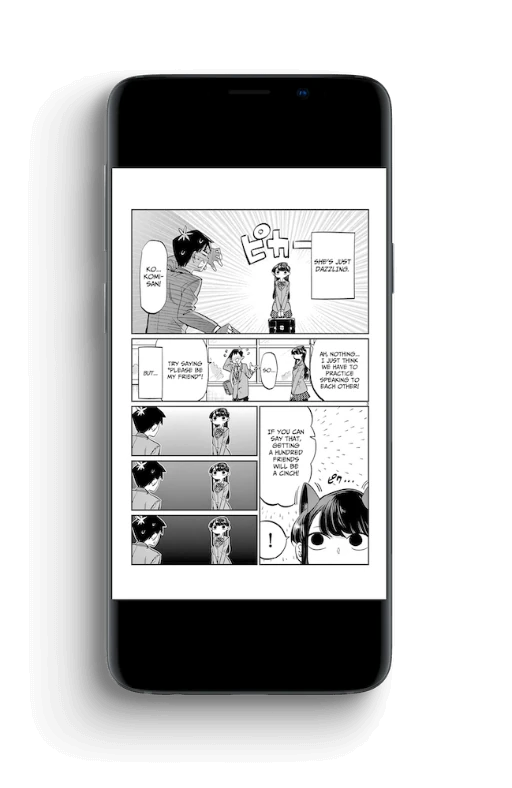
Right-to-left, the default way of reading manga.
- Swipe right for next page.
- Swipe left for previous page.
TIP
You can change viewer for different series by going to the series, opening a chapter, tapping the middle of the screen, pressing the gear icon, and selecting a different viewer in Viewer for this series.
Double tap animation speed Normal
Double tap animation speed changes the speed in which the zoom happens when double tapping.
TBA
Show reading mode On
Briefly show current mode when reader is opened
Show tap zones overlay Off
TBA
32-bit color Off
This setting decodes images in ARGB888 format to allow the reader to display more colors.
WARNING
This setting will only show up on devices running Android 8.0 or higher.
Animate page transitions On
This setting applies a smooth transition when tapping to change page.
Display
Default rotation type Free
This allows you to control how the screen is going to be oriented.
TBA
Background color Black
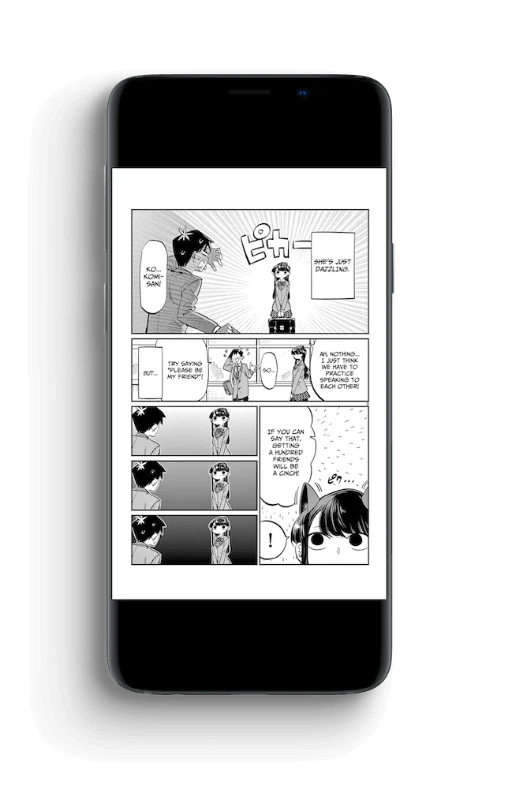
Fullscreen On
TBA
Show content in cutout area On
TBA
Keep screen on On
TBA
Show page number On
TBA
Reading
Skip chapters marked read Off
TBA
Skip filtered chapters On
TBA
Skip duplicate chapters Off
TBA
Always show chapter transition On
TBA
Pages
Tap zones Default
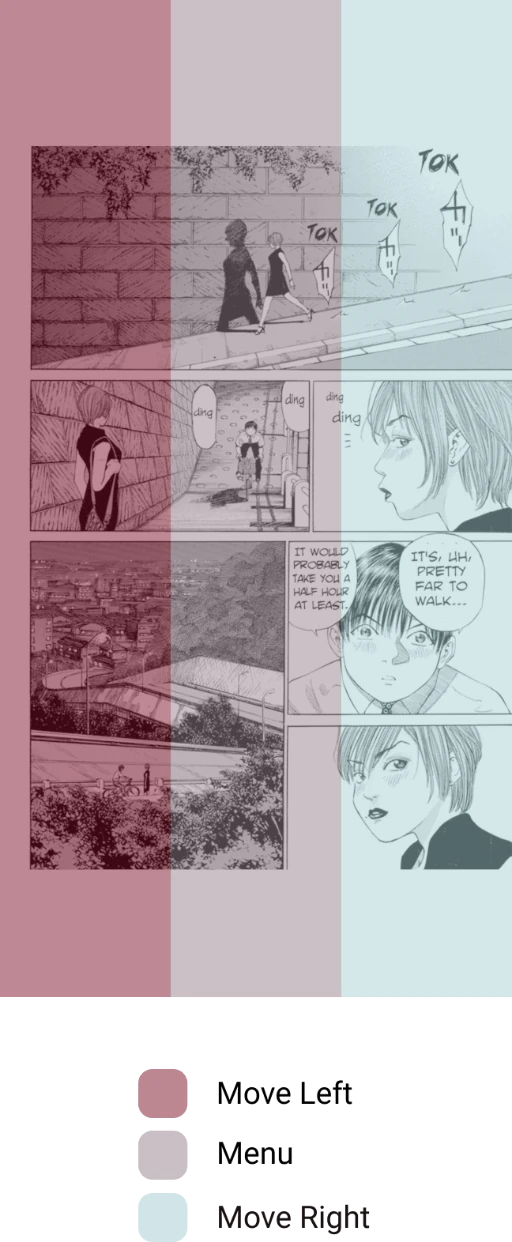
Invert tap zones None
Keeps the default zap zones.
Scale type Fit screen
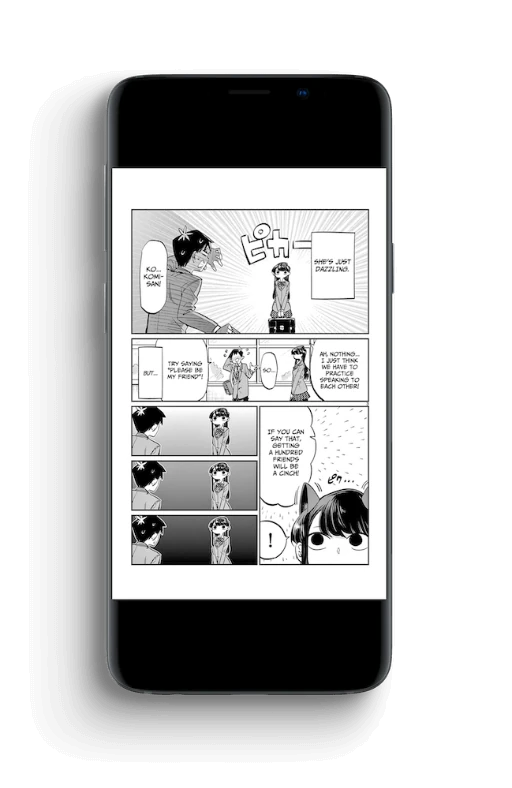
Zoom start position Automatic
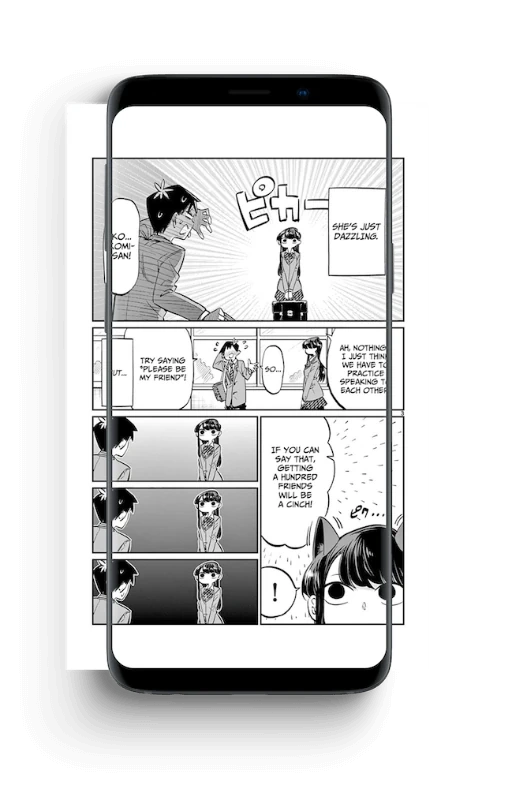
Crop borders Off
Automatically zoom into wide images On
TBA
Pan wide images On
TBA
Split wide pages Off
TBA
Rotate wide pages to fit Off
TBA
Long strip
Tap zones Default
Invert tap zones None
TBA
Side padding None
TBA
Sensitivity for hiding menu on scroll Low
TBA
Crop borders Off
TBA
Split wide pages Off
TBA
Double tap to zoom On
TBA
Navigation
TBA
Volume keys Off
TBA
Actions
Show on long tap On
TBA
Save pages into seperate folders Off
TBA